
Many LPG users in India are currently facing the Gas Booking OTP Not Received issue while booking their cylinder online. Whether you are using Indane Gas, HP Gas, or Bharat Gas, OTP problems can stop your booking process completely.
In 2026, most LPG companies have made OTP verification compulsory for security reasons. But sometimes users do not receive the OTP on their mobile number even after multiple attempts.
If your LPG booking OTP is delayed, missing, or not working, this guide will help you understand the reasons and the best solutions.
Read also: LPG Gas Booking Online
Why Gas Booking OTP Is Important
OTP (One Time Password) is used to verify the registered mobile number linked with your LPG connection. Without OTP verification, many online booking services may not work properly.
You may need OTP while:
- Booking LPG cylinder online
- Logging into gas portal
- Updating Aadhaar or eKYC
- Checking subsidy details
- Registering complaints
Because of this, OTP problems can become very frustrating for users.
Common Reasons Why Gas Booking OTP Is Not Received
There are several reasons why the Gas Booking OTP may not arrive on your phone.
1. Network Signal Problem
Weak mobile network is one of the biggest reasons for delayed OTP delivery. If your phone has poor signal strength, SMS messages may arrive late.
Try:
- Switching network mode
- Restarting your mobile
- Moving to an open area
2. DND Service Enabled
Some telecom operators block promotional or automated SMS because of DND settings.
You can disable DND temporarily from:
- Airtel Thanks App
- Jio App
- Vi App
3. Wrong Mobile Number Registered
Sometimes users try booking with a number that is not linked to their LPG account.
Check whether your current number is registered with:
- Indane Gas
- HP Gas
- Bharat Gas
Read also: Indane Gas eKYC Aadhaar
4. LPG Server Issue
During high traffic hours, LPG company servers may become slow. This can delay OTP generation.
This problem usually happens:
- At month beginning
- During subsidy updates
- During maintenance work
In such cases, wait 10–15 minutes and try again.
5. SMS Inbox Full
If your SMS storage is full, new OTP messages may not arrive.
Delete:
- Old OTP messages
- Spam SMS
- Promotional messages
Then request OTP again.
How To Fix Gas Booking OTP Not Received Problem
Here are the best working solutions for fixing the Gas Booking OTP issue in 2026.
Restart Your Mobile Device
A simple restart can refresh your mobile network and fix temporary SMS issues.
After restarting:
- Turn mobile data ON
- Check network signal
- Retry LPG booking
Check Registered Mobile Number
Always confirm that the number entered during booking matches your LPG account details.
You can verify this through:
- Official LPG portal
- Distributor office
- Customer care support
Use Alternate Booking Methods
If OTP is not working online, try other booking methods.
Alternative LPG Booking Options
- IVRS call booking
- WhatsApp booking
- SMS booking
- Gas agency booking
Read also: LPG Cylinder Booking Number
Clear Messaging App Cache
Sometimes messaging apps fail to receive SMS properly.
On Android:
- Settings
- Apps
- Messages
- Storage
- Clear Cache
Then request OTP again.
Wait And Retry Later
If the LPG server is busy, avoid requesting OTP repeatedly.
Too many OTP requests can temporarily block new OTP generation.
Best solution:
- Wait 15 minutes
- Retry only once
Gas Booking OTP Issue In Different LPG Companies
Indane Gas OTP Problem
Indane users mostly face OTP delays during:
- Online booking
- Login verification
- eKYC updates
Official portal traffic can also affect OTP delivery speed.
Read also: Indane Gas Price India Updated
HP Gas OTP Not Received
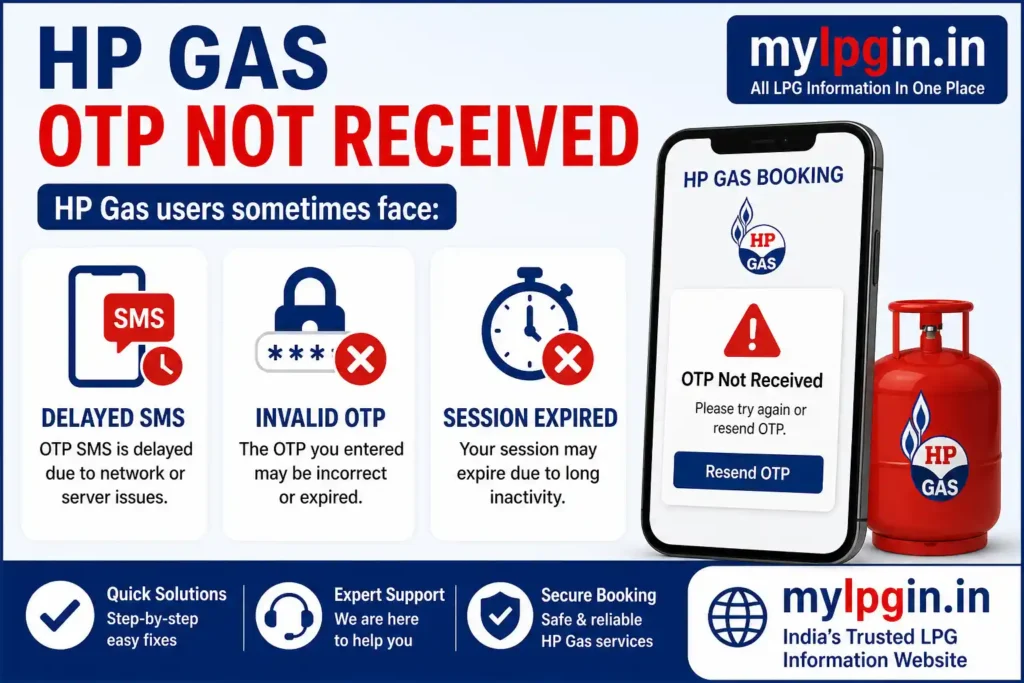
HP Gas users sometimes face:
- Delayed SMS
- Invalid OTP
- Session expired errors
Usually this is fixed after retrying later.
Bharat Gas OTP Issue
Bharat Gas OTP problems mostly happen because of:
- Wrong registered number
- Poor network
- App server errors
Users can also contact customer support for manual help.
When To Contact LPG Customer Support
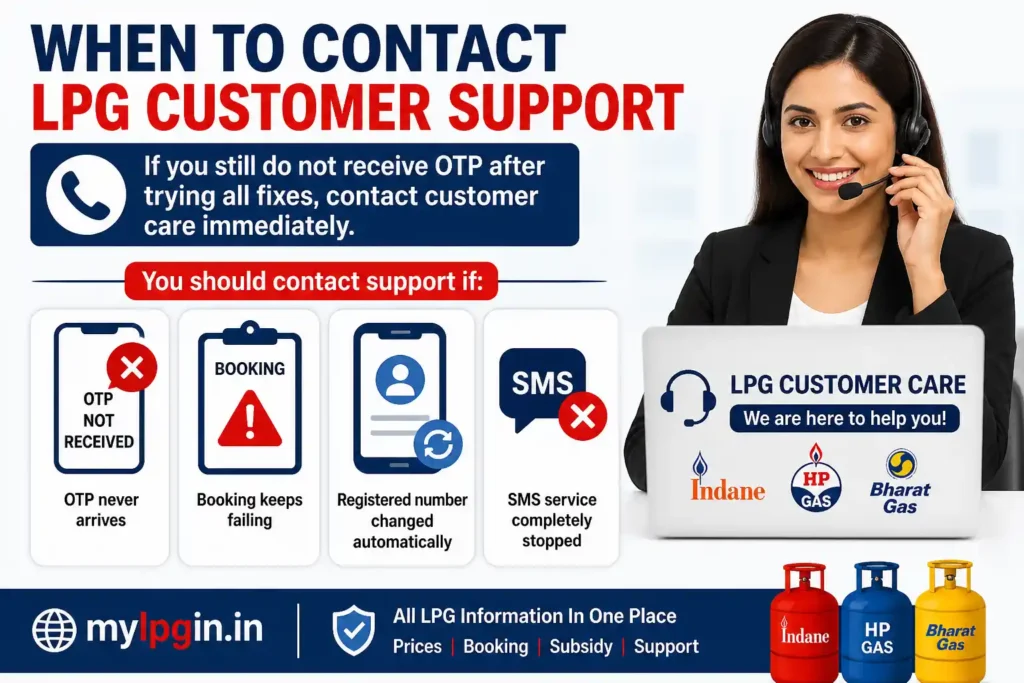
If you still do not receive OTP after trying all fixes, contact customer care immediately.
You should contact support if:
- OTP never arrives
- Booking keeps failing
- Registered number changed automatically
- SMS service completely stopped
Read also: LPG Gas Complaint Number India
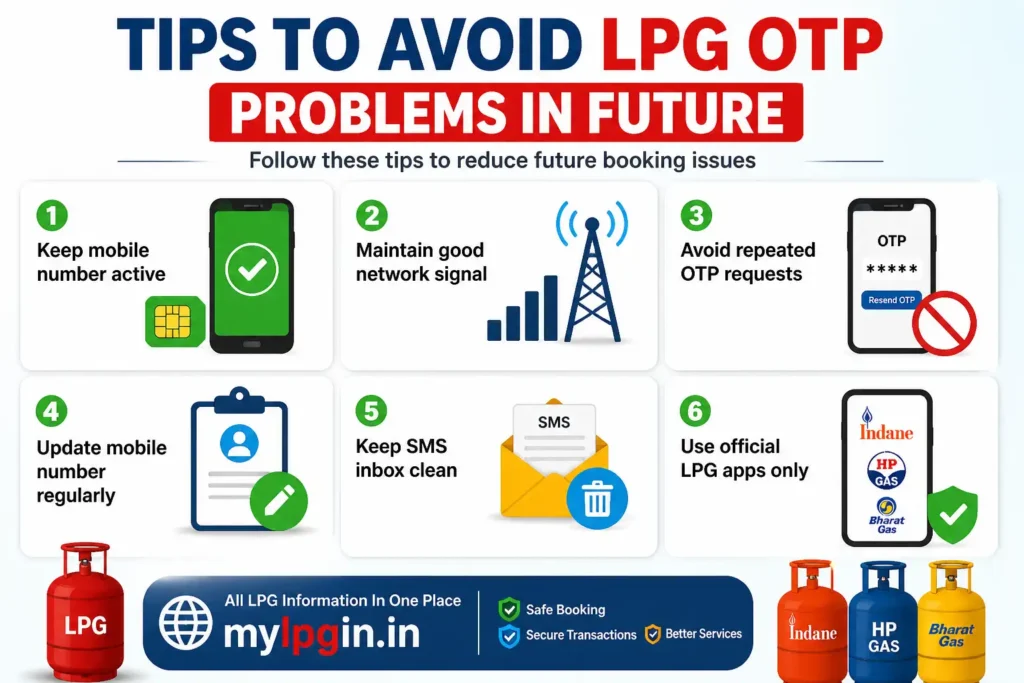
Tips To Avoid LPG OTP Problems In Future
Follow these tips to reduce future booking issues:
- Keep mobile number active
- Maintain good network signal
- Avoid repeated OTP requests
- Update mobile number regularly
- Keep SMS inbox clean
- Use official LPG apps only
These simple steps can help avoid most OTP-related problems.
Final Words
The Gas Booking OTP Not Received issue is very common in 2026, especially during peak booking times. In most cases, the problem is related to network issues, server delays, or incorrect registered mobile numbers.
Thankfully, the issue can usually be fixed easily by checking network settings, retrying later, or using alternate LPG booking methods.
If the problem continues for a long time, contacting your LPG provider is the best option.
FAQs
You may not receive OTP because of network issues, server problems, DND settings, or incorrect registered mobile number.
Normally OTP arrives within a few seconds, but sometimes it may take 5–15 minutes during heavy traffic.
Some offline booking methods may work without OTP, such as IVRS or distributor booking.
Delayed OTP usually happens because of busy servers or weak mobile signal.
Restart your phone, check network signal, verify your registered number, and contact LPG customer care if needed.
📖 Read Also
1️⃣ LPG Gas Price Today
2️⃣ HP Gas Subsidy Not Credited
3️⃣ My LPG Portal
4️⃣ Ujjwala Yojana Apply
5️⃣ LPG Subsidy Check Online